Sign in or create an account
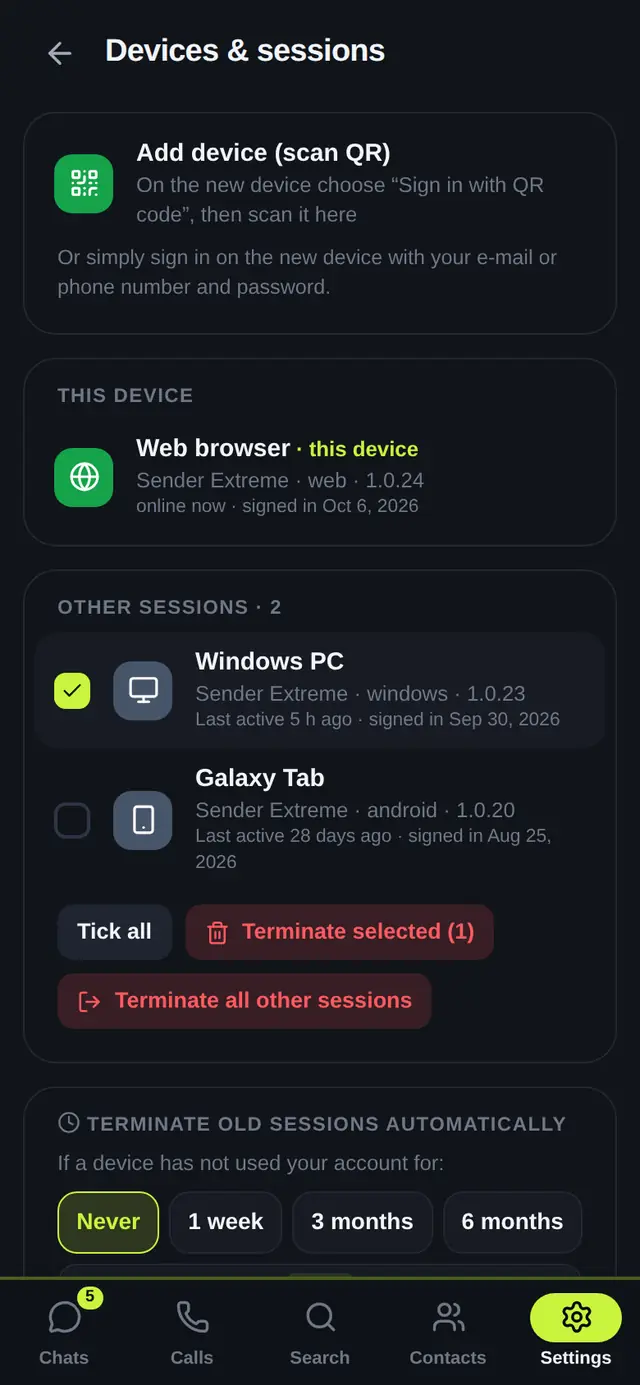
You use one account on all your phones, PCs and the web. Your chats are the same everywhere.
 12345
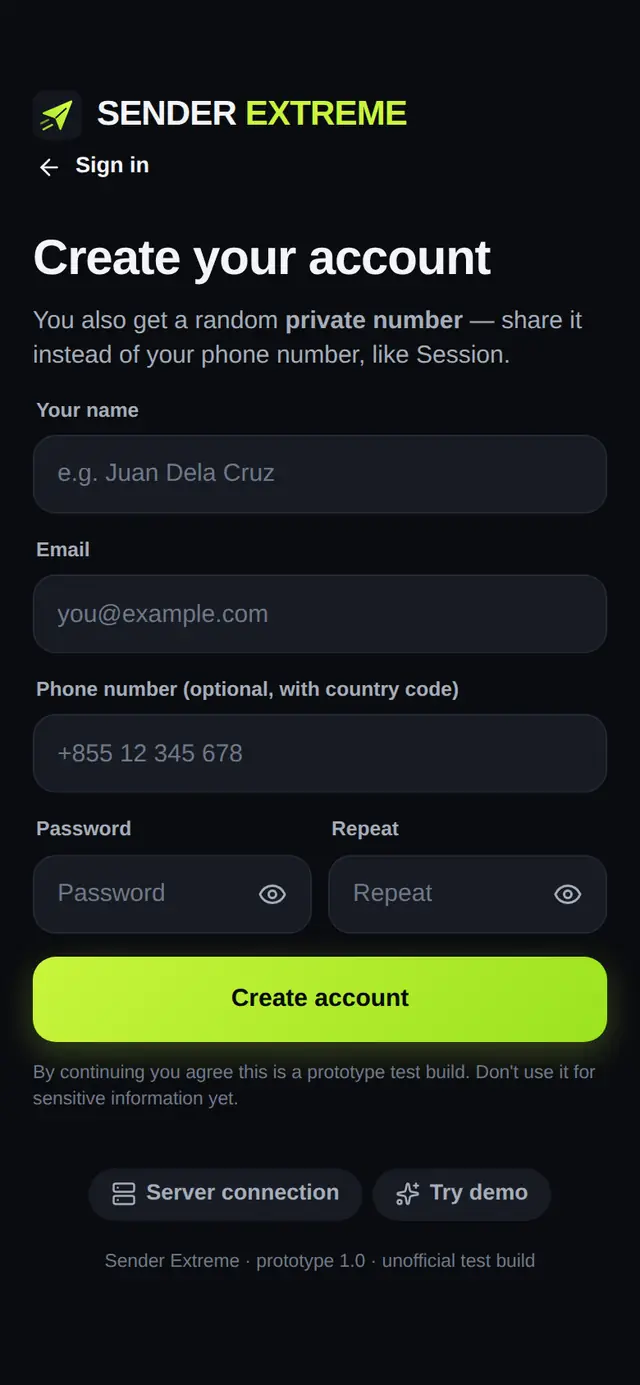
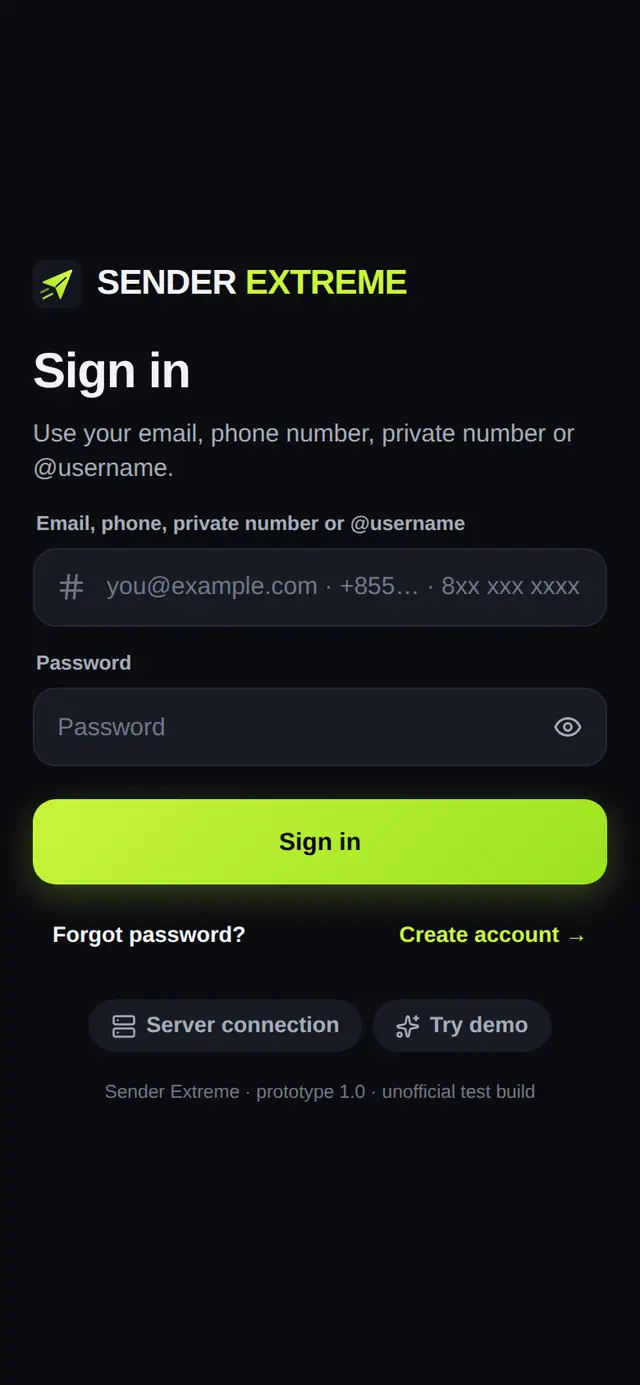
12345- 1Type your email, phone number, private number or @username.
- 2Type your password.
- 3Tap Sign in.
- 4New here? Tap Create account (see below).
- 5Try demo opens a practice account that stays only on this device — nothing is sent to anyone.
💡
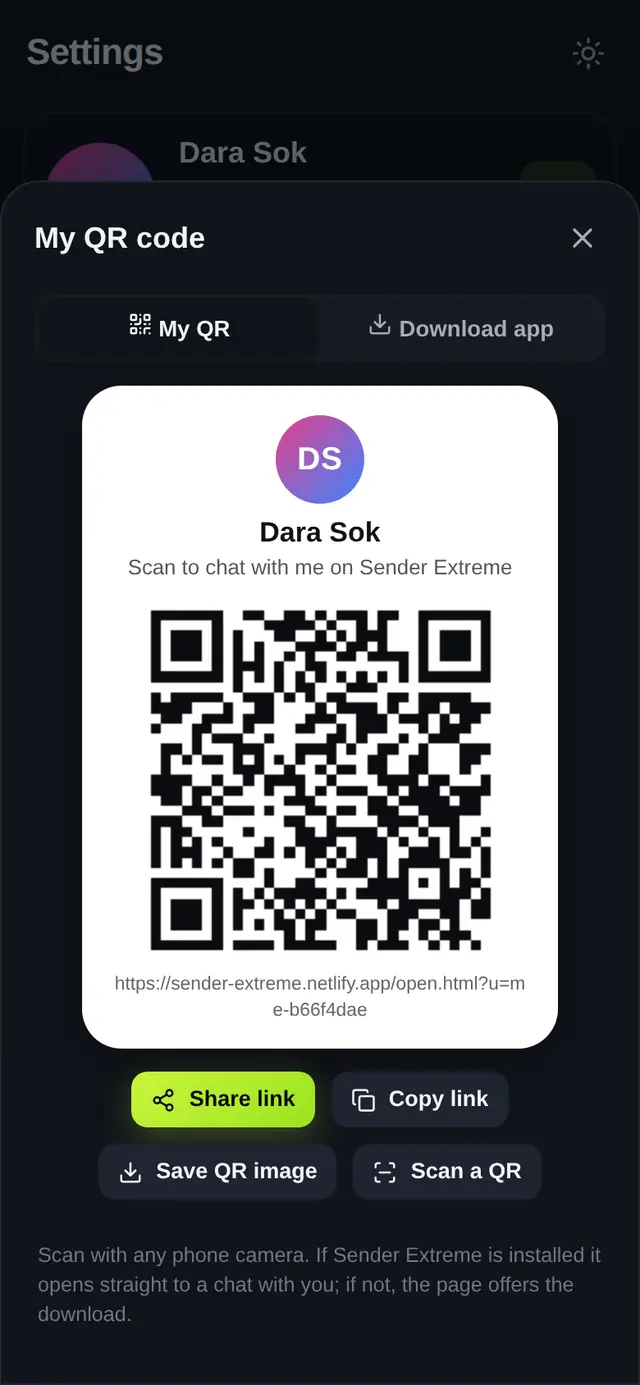
Already signed in on your phone? Tap Sign in with QR code on the new device and scan it with your phone (see Sign in with a QR code).
Forgot your password? Tap Forgot password? and follow the email you receive.
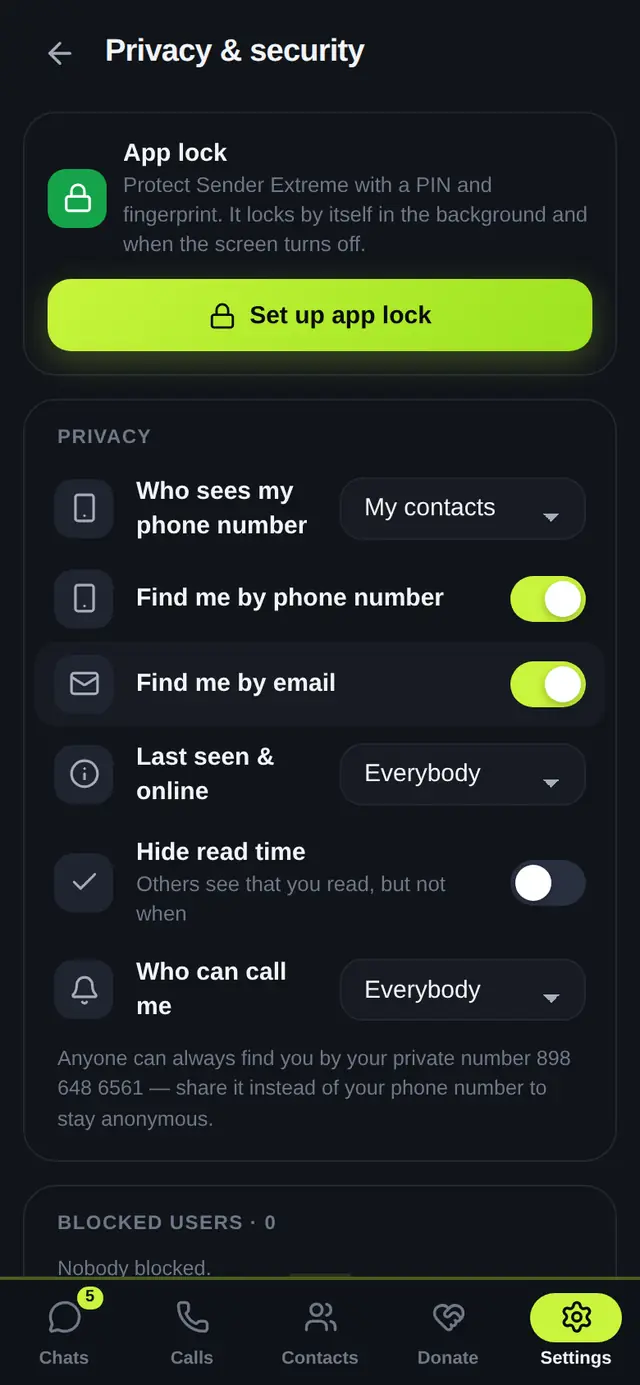
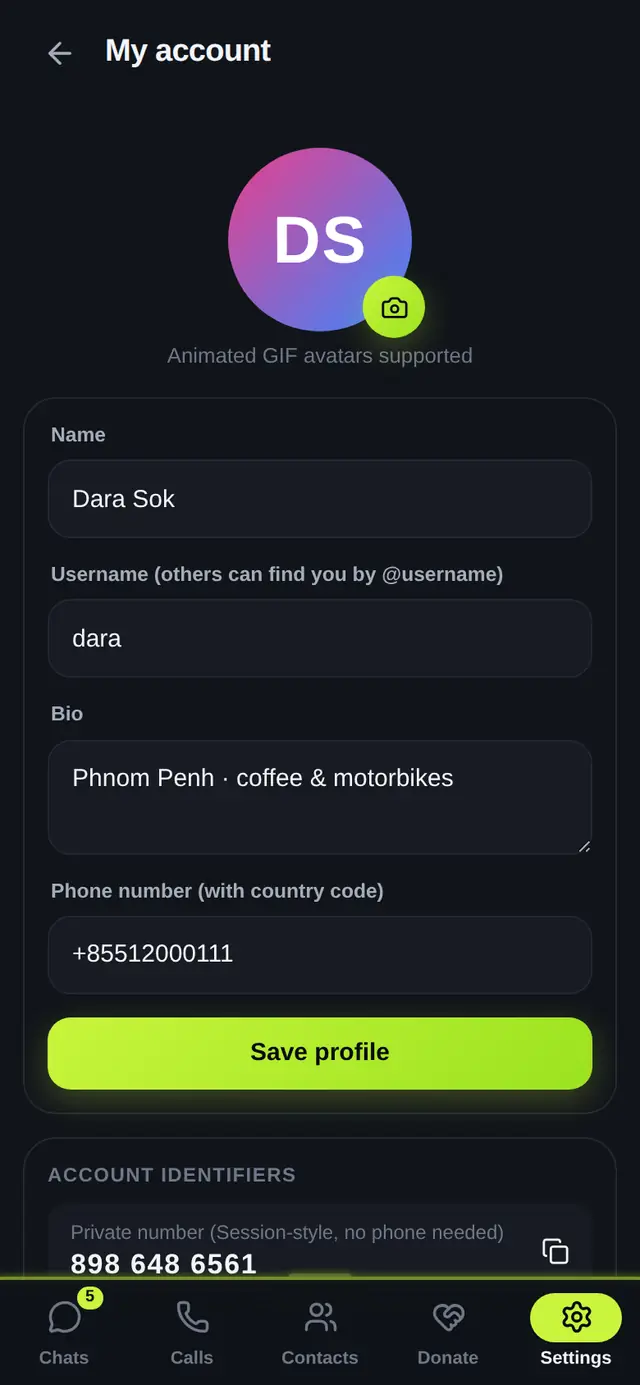
Every account gets a random private number. Share it instead of your phone number to stay anonymous.